
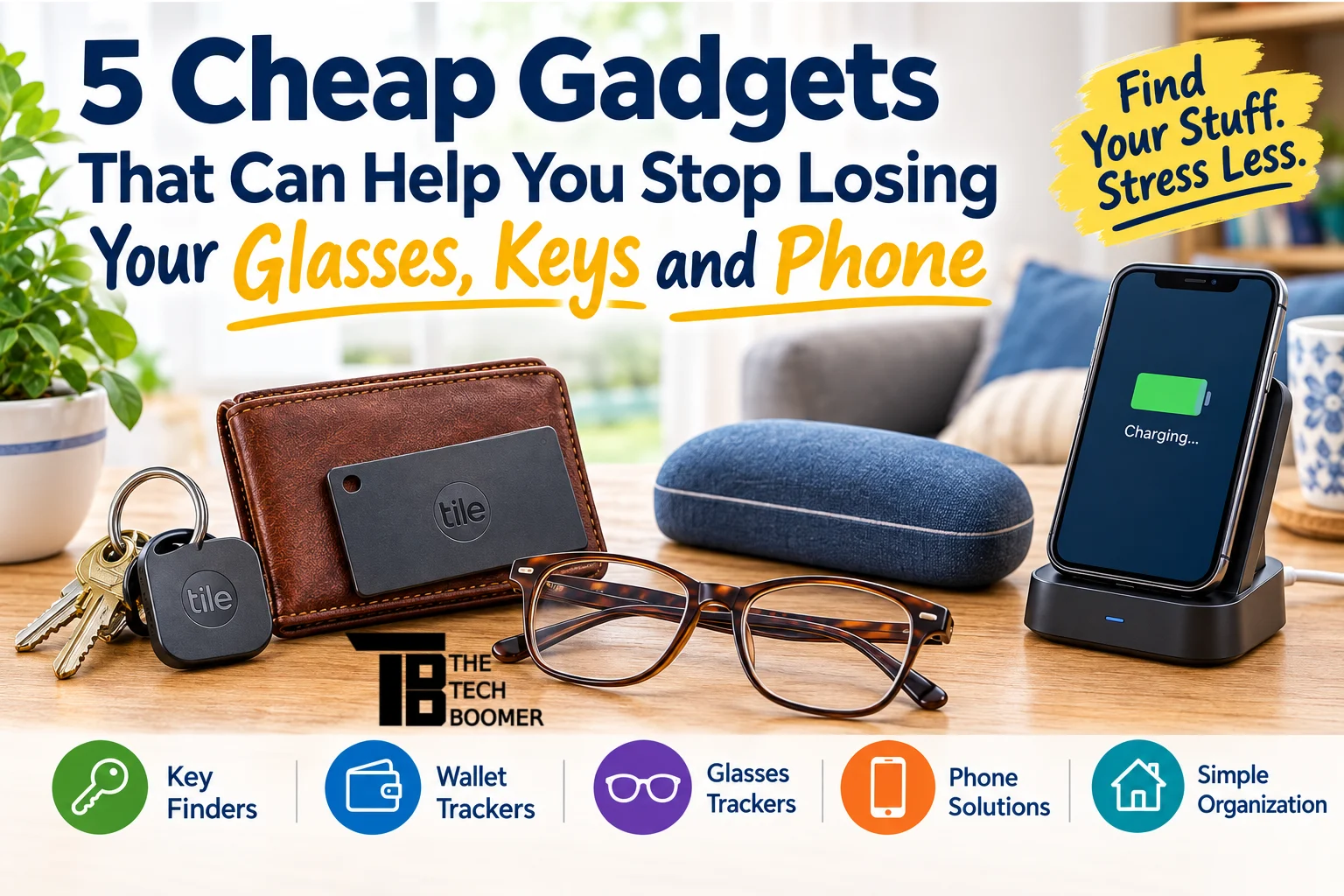
If you’re constantly asking yourself, “Where did I put my glasses?” you’re not alone. Here are five inexpensive gadgets that can help you find the things you misplace most often.
Now I don’t wear glasses, but my wife does.
And she’s spent more time than she’d like to admit looking for her glasses while they were sitting somewhere she had already looked three times.

TOZO T10 Wireless Bluetooth Earbuds
The Tech Boomer recommends these wireless bluetooth earbuds. Clear, crisp sound—plus they’re easy on the wallet!
View on Amazon →This post may contain affiliate links. As an Amazon Associate, I earn from qualifying purchases.
Then there are the keys.
And the phone.
The funny thing about losing things is that you usually don’t lose them in exotic locations. You lose them in your own house.
The kitchen counter. The nightstand. The couch. The bathroom. The other room you just walked out of.
Fortunately, you don’t need an expensive smart-home system to solve the problem. There are some inexpensive gadgets that can make finding your everyday belongings considerably easier.
Here are five worth considering.
1. A Bluetooth Tracker for Your Keys
If there’s one thing I’d recommend buying first, it’s a Bluetooth tracker.
These little gadgets attach to your keys and connect to an app on your smartphone. When you can’t find your keys, open the app and tell the tracker to make a sound.
Suddenly, that mysterious pile of keys somewhere in the house isn’t so mysterious anymore.
My pick: Tile by Life360
Tile trackers are particularly useful because they work with both iPhones and Android phones. The standard Tile is small enough to attach to a key ring and can make a sound when you’re looking for it.
Even better, Tile can help you find your phone, too. If you’ve misplaced your phone but still have your keys, pressing the button on the Tile can make your phone ring.
That’s a pretty handy trick.
Best for: Keys, purses, backpacks, remotes and other things you regularly misplace.
One thing to know: Bluetooth trackers aren’t GPS trackers. They’re designed primarily for finding nearby items and can also help you locate the last known location of something when it’s out of Bluetooth range.
2. A Thin Tracker for Your Wallet
Here’s another one that can save you a lot of frustration.
If you regularly misplace your wallet, putting a traditional key-finder tag on it isn’t particularly convenient.
That’s where a tracker card comes in.
These are about the size and shape of a credit card, so you can simply slip one inside your wallet.
Consider: Tile Slim or Chipolo CARD
The Tile Slim is designed specifically for wallets and other thin objects. Chipolo also makes a CARD tracker that is designed to slip into a wallet.
The important thing is to choose a tracker that’s compatible with your phone.
For example, some trackers are designed specifically for Apple’s Find My network, while others work with Android or both platforms. Current Bluetooth trackers include options that work across iPhone and Android ecosystems.
Best for: Wallets, purses, passport holders and luggage.
Tech Boomer tip: Put the tracker in your wallet before you lose your wallet. I know that sounds obvious, but that’s exactly the sort of advice I need to remind myself about.
3. A Small Tracker for Your Glasses
Glasses present a special problem.
They’re too small for a normal key finder, and putting a bulky gadget on your eyeglasses isn’t exactly practical.
Instead, look for a small adhesive Bluetooth tracker or a tracker designed for small objects.
Consider: Tile Sticker
Tile makes small adhesive trackers that can be attached to objects that don’t have a convenient key-ring hole.
That makes them potentially useful for things like glasses cases, TV remotes, camera bags and other items that seem to disappear around the house.
See small adhesive trackers on Amazon
Best for: Glasses cases, remote controls, small bags and other objects without a place to attach a traditional tracker.
Here’s an even simpler solution
If you tend to lose your glasses around the house, consider putting a bright-colored case in the places where you normally use them.
It sounds almost too simple, but there’s something to be said for making an object harder to overlook.
Sometimes the best technology is a $10 solution that doesn’t require an app.
4. A Charging Station for Your Phone
Now let’s talk about the device that seems to disappear despite being the device we carry everywhere: your phone.
If you regularly put your phone down in different places around the house, a charging station can solve part of the problem.
Instead of charging your phone wherever you happen to be, establish one location.
Maybe it’s your nightstand.
Maybe it’s your desk.
Maybe it’s the kitchen counter.
The location doesn’t really matter.
What matters is that you make it the phone’s home.
See phone charging stations on Amazon
Some charging stations can charge your phone, smartwatch and other devices in one location.
That’s useful because you’re accomplishing two things at once:
You’re charging your phone and you’re training yourself where to put it.
And unlike a Bluetooth tracker, this solution doesn’t require batteries, Bluetooth or an app.
5. A Small Key Bowl or Catch-All Tray
Okay, I know what you’re thinking.
“That’s not a gadget.”
You’re right.
But hear me out.
A small tray or catch-all bowl may be the most effective device on this entire list because it doesn’t depend on technology.
Put it somewhere convenient—near the door, on your nightstand or wherever you normally drop your keys.
Then establish a simple rule:
Keys go in the bowl. Every time.
You can use the same idea for your wallet, watch, earbuds or even your glasses.
See catch-all trays and key holders on Amazon
The trick isn’t buying the tray.
The trick is actually using it.
And that’s where the next tip comes in.
The Real Secret: Give Everything a Home
Technology can help you find things.
But there’s an even better solution:
Stop putting things in random places.
Give the things you use every day a permanent home.
For example:
Keys: Key hook or bowl by the door
Wallet: Same bowl or tray
Glasses: Nightstand or designated table
Phone: Charging station
Remote: Small tray beside the TV
Once you establish these locations, you don’t have to remember where you put something.
You already know where it belongs.
And when you do forget?
That’s when the Bluetooth tracker earns its keep.
Which Ones Should You Buy?
You certainly don’t need all five.
If you want to spend as little as possible, I’d start with these:
If you always lose your keys:
Get a Bluetooth key tracker.
If you lose your wallet:
Get a thin wallet tracker.
If you lose your glasses:
Start with a dedicated glasses case and a permanent place to keep it. If that doesn’t work, consider a small tracker for the case.
If you lose your phone:
Get a charging station and make it the phone’s permanent home.
If you lose everything:
Well…
Maybe you need the whole system.
And there’s nothing wrong with that.
The Bottom Line
You don’t need to spend hundreds of dollars on smart-home technology to stop losing your everyday belongings.
A few inexpensive gadgets—and a little consistency—can make a surprisingly big difference.
The Bluetooth tracker is probably the most useful piece of technology on this list. But I’d argue that the humble catch-all tray may be the most important.
Because technology can help you find something.
A good habit can help you not lose it in the first place.
And if you’re anything like me, I’ll take all the help I can get.
As always, if you have a question about this or any other post, please leave a comment below, or you can email me at larry@thetechboomer.com.
Amazon Affiliate Disclosure: As an Amazon Associate I earn from qualifying purchases. Links marked as paid links may earn The Tech Boomer a commission at no additional cost to you.

OTC Hearing Aids for Seniors
OTC Hearing Aids for Seniors, Hearing Aid Amplifiers Devices Rechargeable with Noise Cancelling, Superior Sound Quality for Adults Women Men Hearing Loss, Auto On/Off
View on Amazon →This post may contain affiliate links. As an Amazon Associate, I earn from qualifying purchases.