
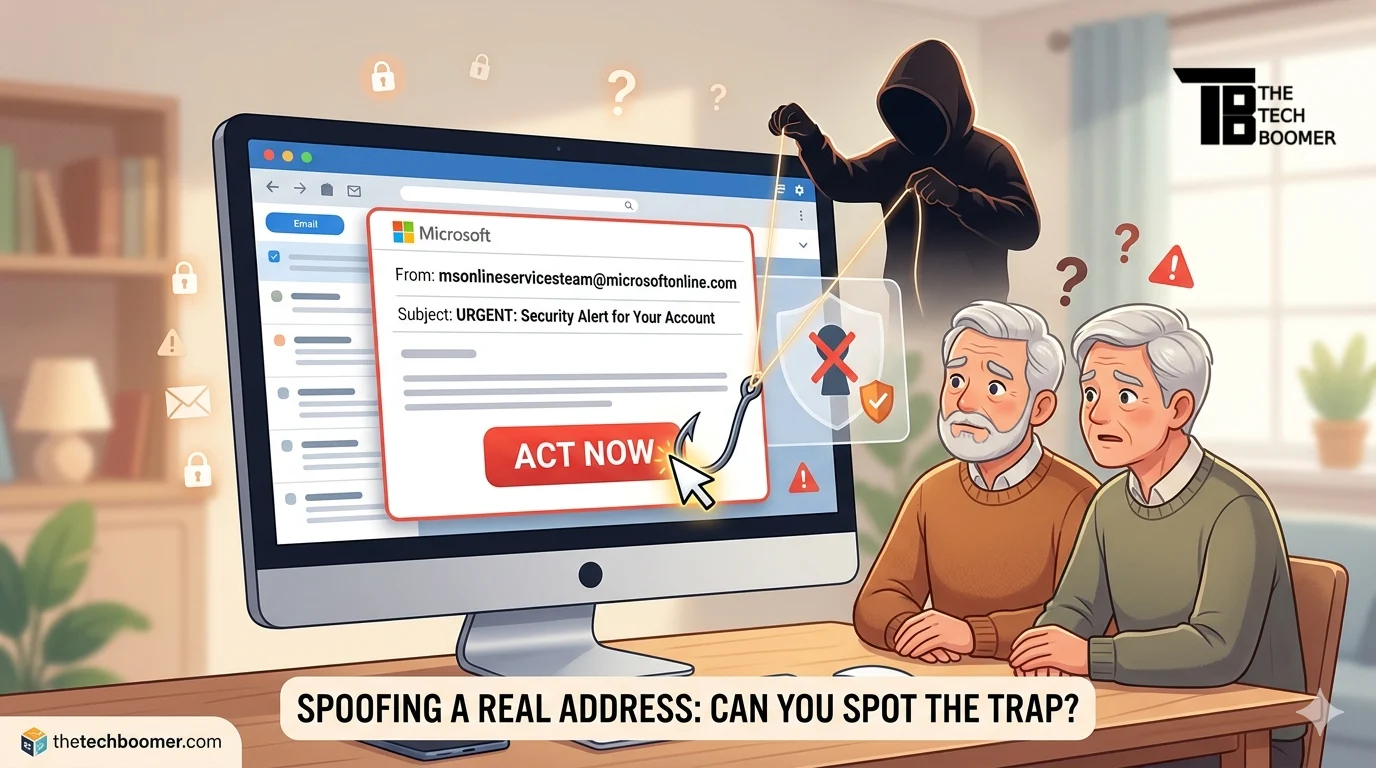
We’ve spent years telling you the golden rule of staying safe online: Check the sender. If an email looks fishy, you hover your mouse over the name, see a strange address like cool-deals-123@scam.com, and hit delete. Simple, right?
Well, the bad guys just changed the rules.
A recent report from PCWorld has uncovered a sophisticated new campaign where scammers are sending phishing emails from a real, legitimate Microsoft email address: msonlineservicesteam@microsoftonline.com.

TOZO T10 Wireless Bluetooth Earbuds
The Tech Boomer recommends these wireless bluetooth earbuds. Clear, crisp sound—plus they’re easy on the wallet!
View on Amazon →This post may contain affiliate links. As an Amazon Associate, I earn from qualifying purchases.
This isn’t a “spoofed” address that just looks real—it is the actual system email Microsoft uses to send out security alerts and two-factor authentication (2FA) codes. Here is why this is dangerous and what you need to do to protect yourself.
Why This Scam is So Convincing
Usually, filters catch “fake” emails because they originate from untrusted servers. But because these messages are coming from inside Microsoft’s own house, they slide right past your spam folder and land in your inbox looking perfectly official.
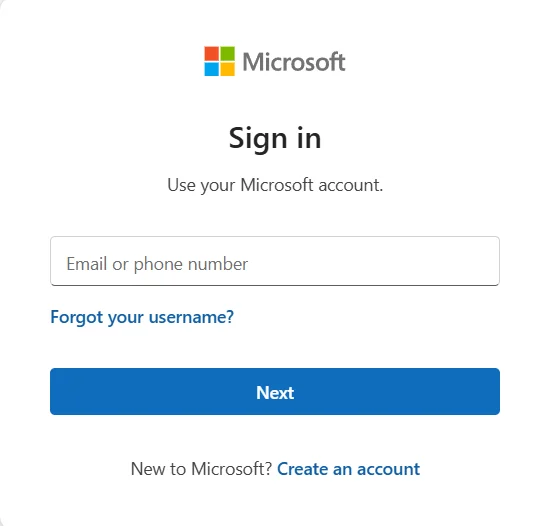
The emails often contain a warning about your account or a “security alert” that pressures you to click a link. Once you click, you’re taken to a fake Microsoft login page designed to steal your password and take over your digital life.
How to Spot the Fake
Since the sender’s address is legitimate, you have to look for other red flags:
- Urgency: Does the email demand you act “immediately” or “within 24 hours” to avoid losing your account?
- Strange Phrasing: Even if the address is real, the scammers writing the message often use awkward grammar or unusual greetings.
- The Link Test: If you hover your mouse over the button or link in the email (without clicking!), look at the bottom corner of your browser. If the web address doesn’t end in
microsoft.com, it’s a trap.
Your New Safety Protocol
If you receive a security alert from Microsoft—even from a real address—do not click the link in the email.
Instead, open a new tab in your browser and type account.microsoft.com yourself. Log in there to see if there are any actual notifications waiting for you. If the website doesn’t show a warning, that email in your inbox is a fake.
Recommended Gear for a Secure Home Office
Staying safe isn’t just about software; it’s about having the right setup to manage your digital life comfortably and securely. Here are a few items that can help:
- Physical Security Keys: To move beyond just passwords, consider a YubiKey 5 NFC. It’s a physical key you plug into your computer to verify it’s really you—scammers can’t steal a physical key over the internet.
- Ergonomic Comfort: If you’re spending more time auditing your security settings, the Logitech ERGO K860 Wireless Split Keyboard is a fantastic upgrade to reduce wrist strain during long sessions.
- Password Management: To keep your unique, complex passwords organized, a dedicated device like the Logitech MX Master 3S Mouse features programmable buttons that can make navigating your password manager a breeze.
For more ergonomic ideas, click here.
Tech Boomer Tip: Security is a marathon, not a sprint. If you ever feel pressured by an email, take a breath, get a cup of coffee, and check the official website directly. The scammers rely on you being in a hurry!

OTC Hearing Aids for Seniors
OTC Hearing Aids for Seniors, Hearing Aid Amplifiers Devices Rechargeable with Noise Cancelling, Superior Sound Quality for Adults Women Men Hearing Loss, Auto On/Off
View on Amazon →This post may contain affiliate links. As an Amazon Associate, I earn from qualifying purchases.